

This release brings full order editing, card payments directly on orders, and smarter calendar controls—streamlining last‑minute changes, simplifying admin, and giving you tighter control over your schedule.
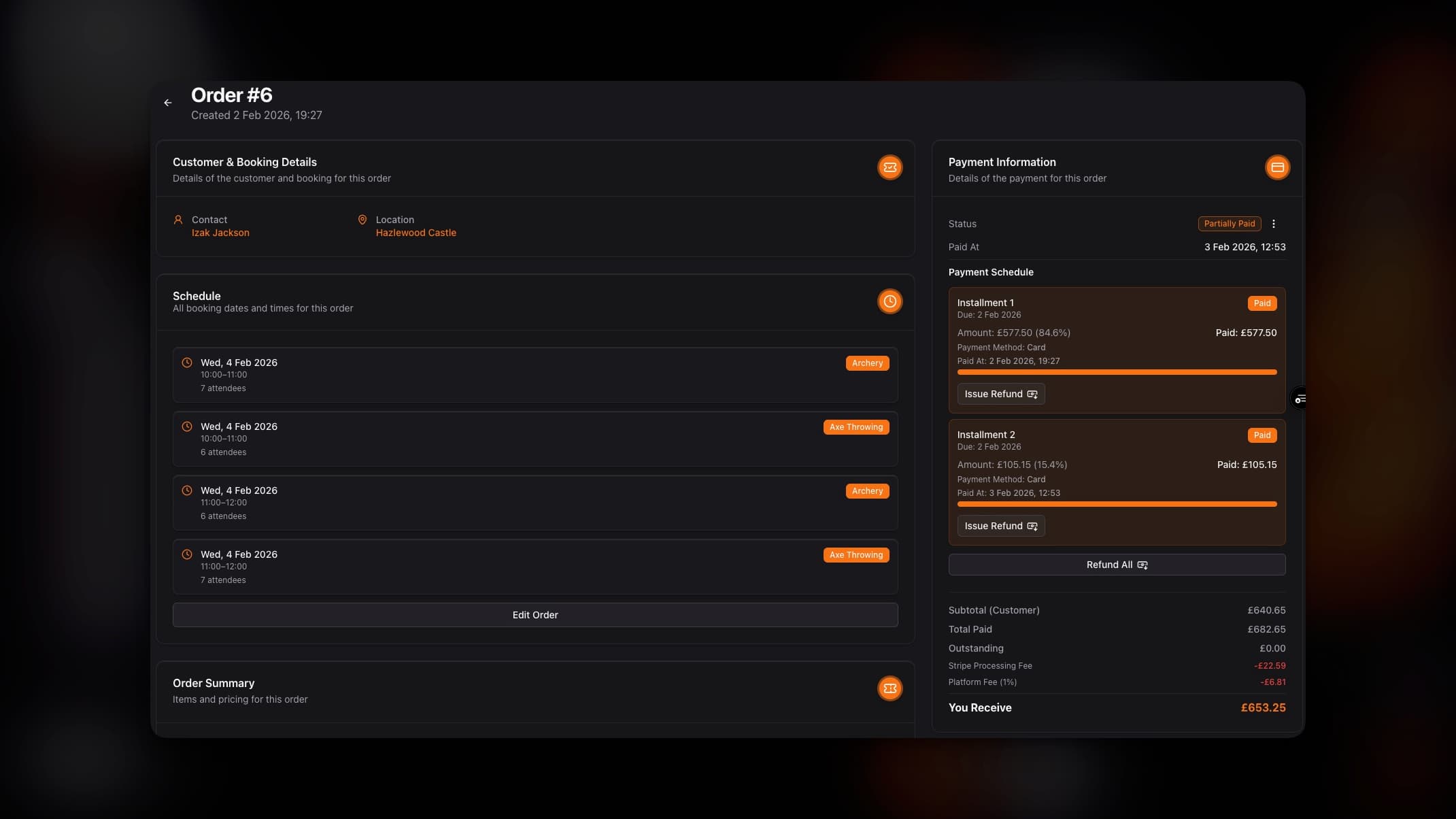
Features
Edit Orders: Make on‑the‑fly adjustments without friction: add or remove products/packages, change booking slots or dates, adjust attendee counts, and more.
Gain granular control over:
Switch sessions and dates across locations
Adjust quantities and attendee numbers
Replace products or upgrade packages mid‑order
Keep a clear audit trail of edits
Take Card Payments on Orders: Charge cards directly from the order page—ideal for last‑minute, over‑the‑phone updates.
Highlights:
Collect full or partial payments instantly
Settle balances after edits without leaving the page
Send secure payment links when needed
Admin Fees on Edits: Apply admin fees when orders are changed—either a percentage or a fixed fee.
Configuration:
Choose fee type: percentage of the order or set amount
Auto‑apply within a defined window (e.g., edits within X weeks of the booking date)
Override per edit when required
Improvements
Order Page Layout: General styling and UX upgrades make order details clearer and navigation more intuitive.
Flexible Event Deletions: You can now delete:
A single event
Today’s event instances for the given product/package
All future events for a product or package
Note: If an event slot has active orders (not On Hold or Cancelled), it will be preserved and not deleted.
Smarter Blockouts: Blockouts now behave like single‑event deletions but apply across all products and packages at the specified location within the chosen date and time range.
Faster Calendar Navigation: The schedule calendar now includes a date filter for quick jumps to any day.
Fixes
Manual Payments and Fees: Orders marked with manual payments (e.g., bank transfer) no longer display a platform fee.
Email Forwarding Respecting Preferences: Contact form email forwarding will not send to managers who have disabled email notifications.
Cleaner Message Filtering: Archived messages no longer appear in the Messages inbox when filtering by specific contact forms.
Up Next
Booking Site: Let your customers self‑serve and create bookings without you lifting a finger. More details in the next changelog.